

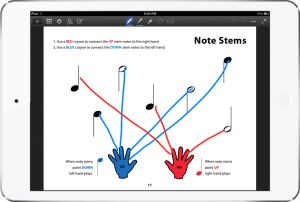
 One of the cool teaching tools the iPad provides the piano teacher is the possibility of completing worksheets digitally during the lesson — or using the iPad like a music whiteboard with a custom background. A few of my favorite piano teaching blogs have shared some great resources for using the iPad in this way:
- Anne Crosby — Check out her colorful whiteboard backgrounds by searching “iPad” on her blog, and be sure to see her Music Discoveries digital method book, too (pictured at right).
- Wendy’s Piano Escapades offers a few different types of colorful whiteboard backgrounds.
- Susan Paradis has a variety of colorful worksheets/games that would work well on the iPad.
- Jennifer Fink from Pianimation has some sight-reading cards (sets of jpg files) that are fantastic.
To use these wonderful resources on your iPad, you will need some kind of whiteboard or annotator app that allows you to upload custom “papers” or “backgrounds” upon which you can draw and erase. There are many different options available. Over the weekend, I spent some time researching and testing apps until I found my favorite. Here are the features I was looking for: Continue reading “Annotation Apps for iPad / GoodNotes Pro Review”

 Piano Dust Buster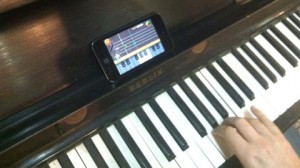
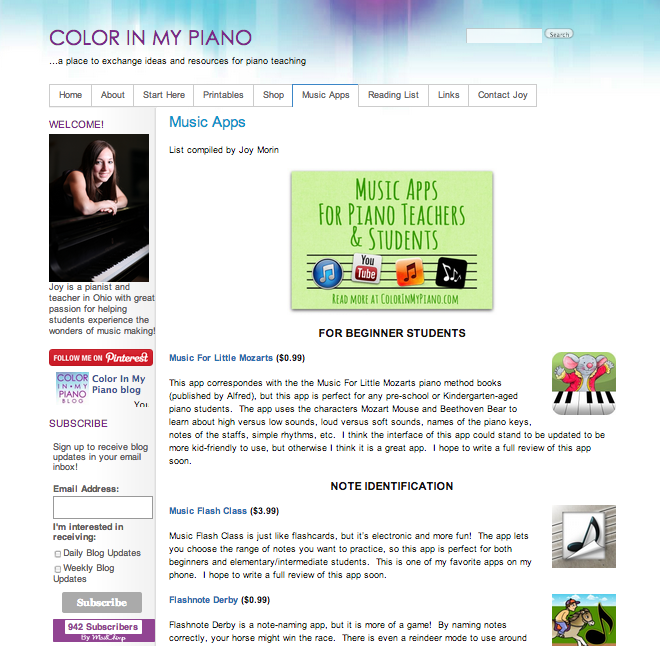
 I just wanted to let you know that I’ve added a new page to my website, where you can find a list of different music apps for piano teachers/students. The apps are organized by category and contain links to the full reviews I’ve written.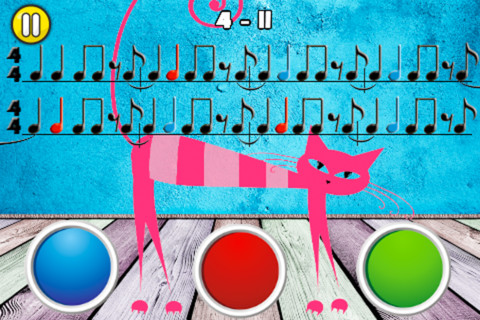
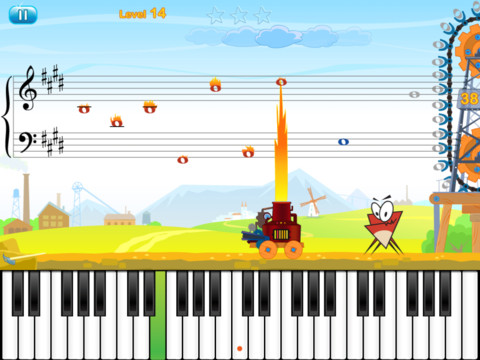
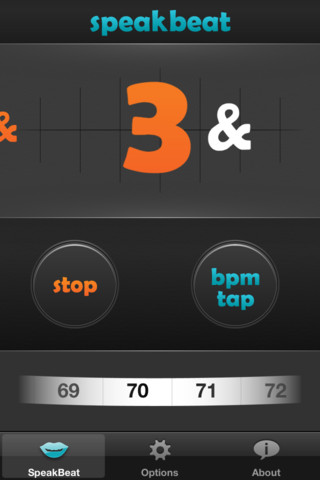
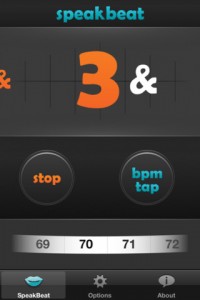 SpeakBeat – Cost: $1.99. View it in the iTunes store
  I’ve been enjoying the wonders of my iPod Touch 4g for nearly two years now. However, recently, my hubby and I upgraded our cell phones to the glorious iPhone 4. There isn’t really much difference between the two, other than that now I don’t have to carry both a phone and the iPod around with me everywhere (my iPod had my calendar with teaching schedule, so I tried to keep it with me always), and now I can access the internet anywhere I go.