

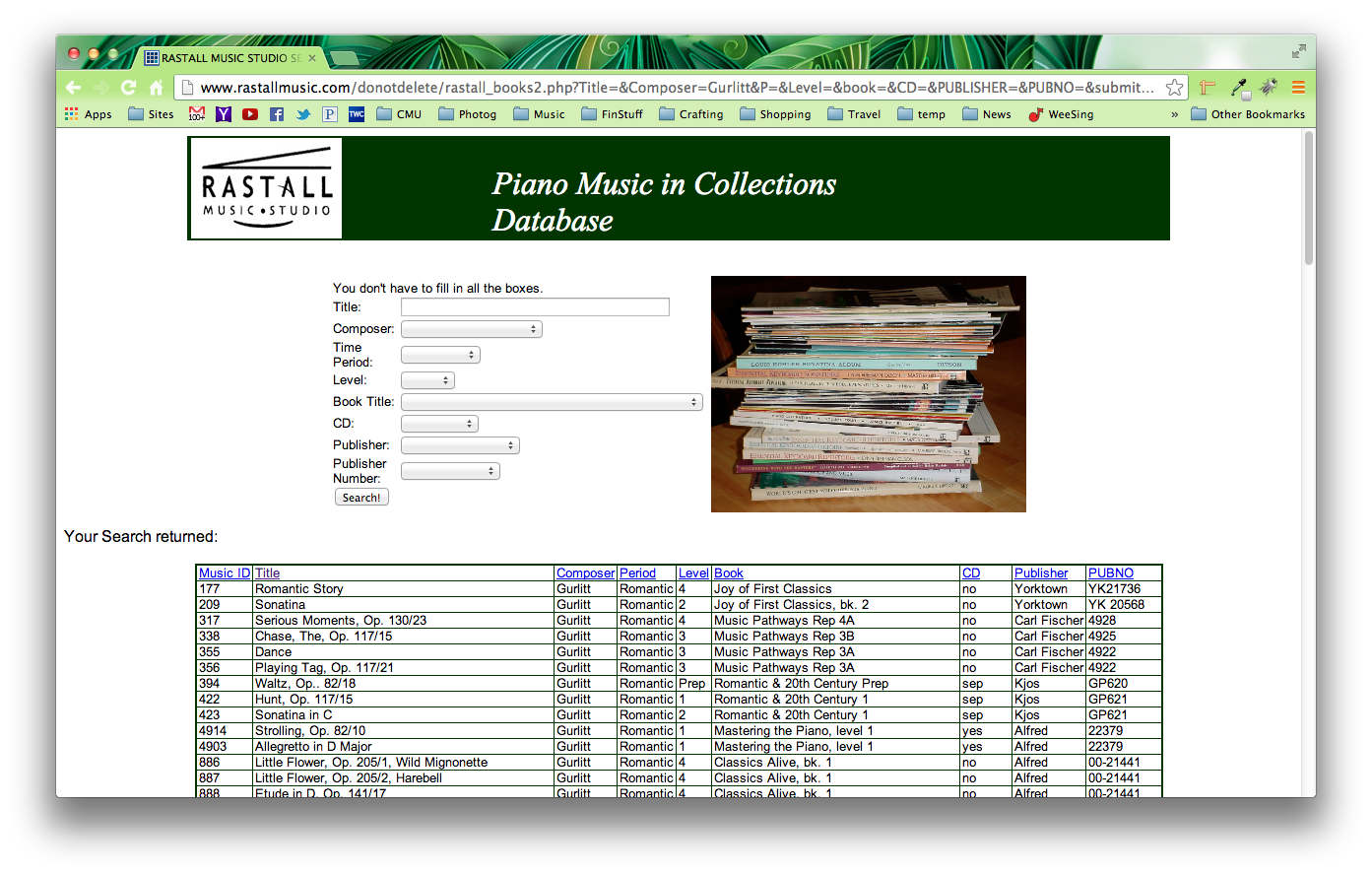
 I recently found out about a great resource by Bobbie Rastall, a piano teacher from Maryland. Bobbie has an online database that allows teachers to search for a title or composer and see a list of which classical anthologies for students contain that piece of music. What a great resource!
I have already put this database to good use. I am planning to enter a couple of students in MDP/RCM exams again this year and I found it very helpful to be able to enter pieces from the list into this database to see a list of which books contain the pieces I was looking for.
Read more about Bobbie’s database here.