

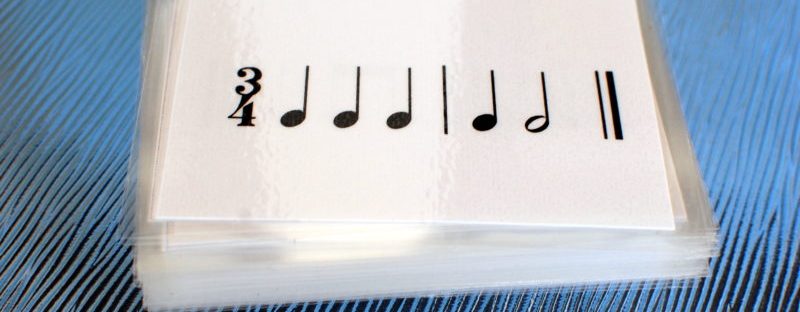
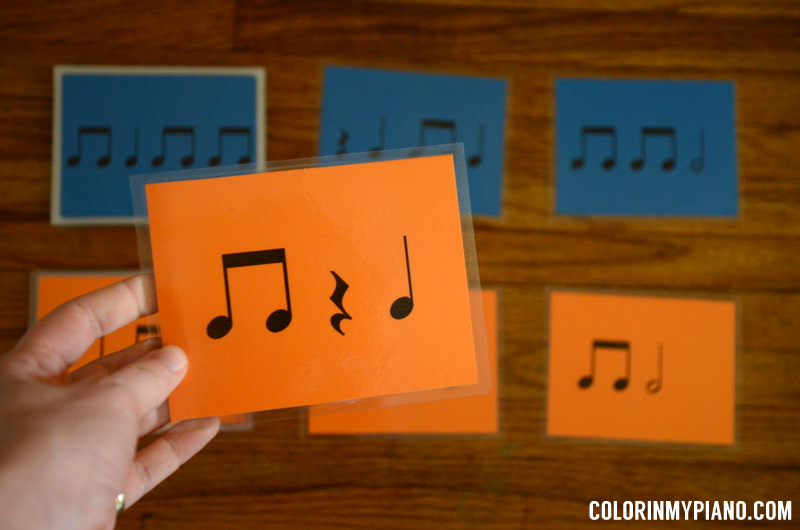
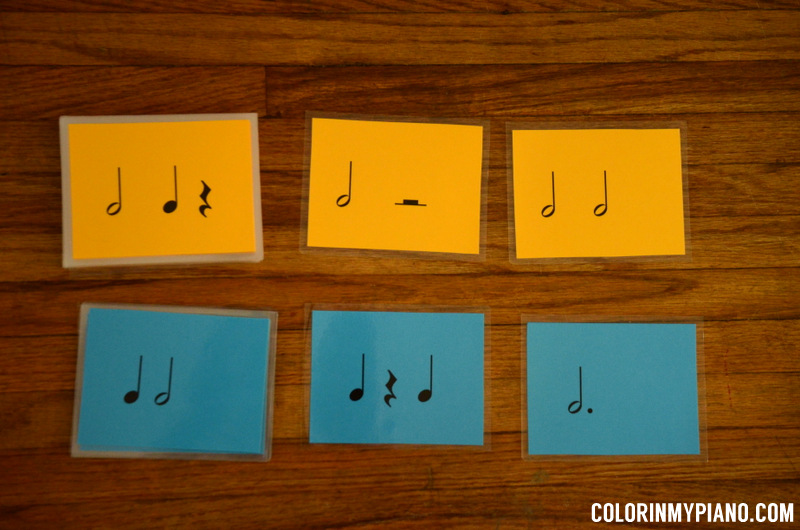
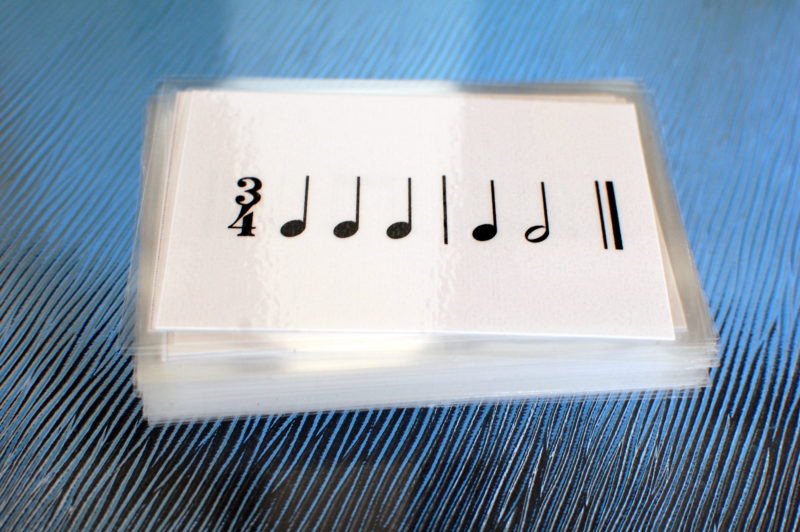
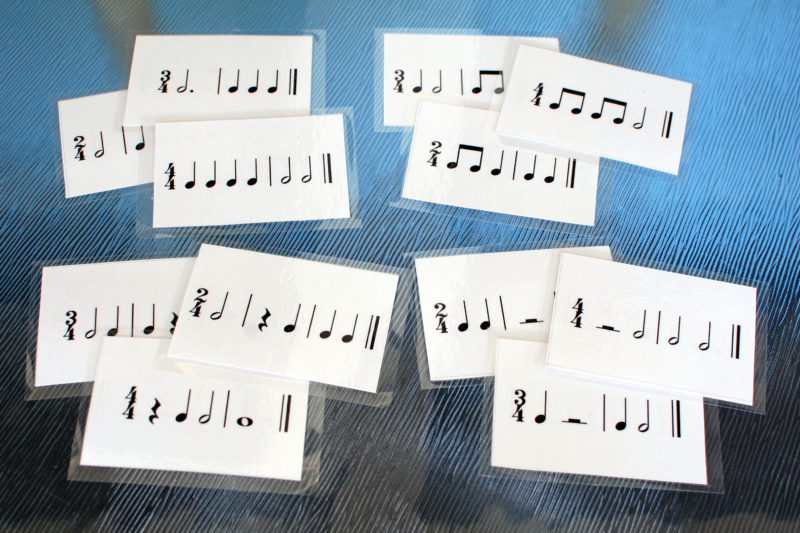
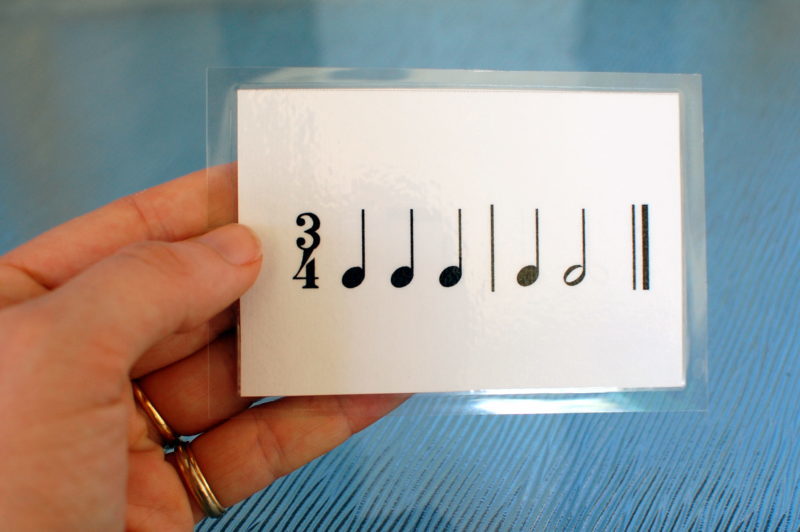
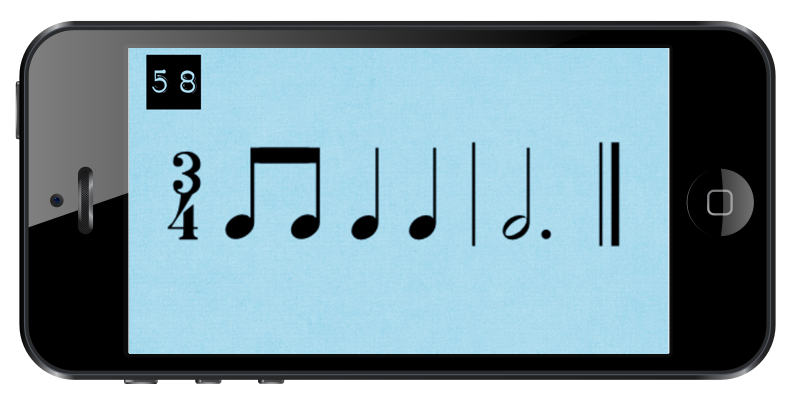
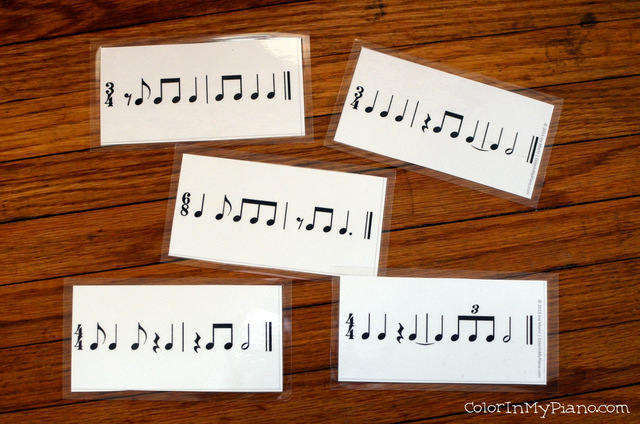
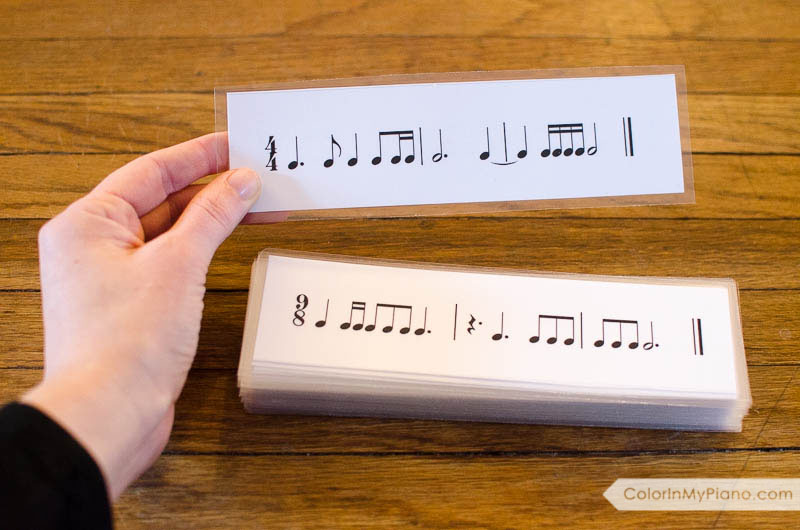
Rhythm Cards are great for use in both private lessons or group classes! The notes on the cards are clear and easy-to-read. A variety of time signatures are used. Once you purchase these rhythm cards, you can laminate a set for your studio can use for years to come, and you can even send printed copies home with your students!
JUMBO RHYTHM CARDS – $5/set
- Set 1: These 3.75×5 inch cards are great for young beginners. Each card contains a 1-measure rhythm example in either 3/4 or 4/4 time. (I recommend color-coding the time signatures for easy sorting.) The rhythms in Set 1 contain basic rhythm values and rests (no eighth notes). The PDF contains 49 rhythm cards.
- Set 2: The rhythms in Set 2 contain rhythm examples in 3/4 or 4/4 time that contain pairs of beamed eighth notes. Set 2 does not overlap with the rhythms in Set 1, so the sets can easily be combined to create a larger variety of rhythms. (I recommend color-coding the time signatures for easy sorting.) The PDF contains 49 rhythm cards.
REGULAR RHYTHM CARDS – $6/set
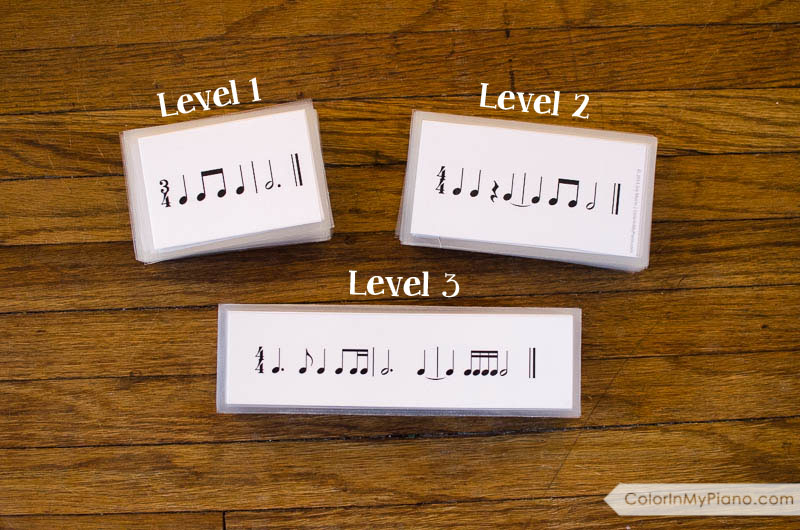
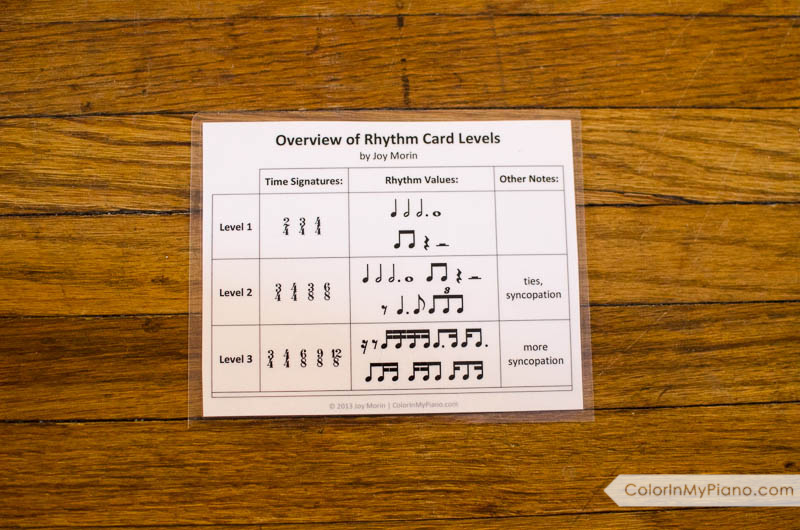
- Level 1 contains 12 pages of rhythm cards, for a total of 96 cards. Each card contains a two- or three-measure rhythm example. 24 of the cards only use basic rhythms (no eighth notes), 24 of the cards add quarter rests, 24 of the cards use half rests, and 24 of the cards use beamed eighth notes. The time signatures used are 2/4, 3/4, and 4/4 time. Choose between a PDF version that allows you to print and cut apart the cards, or a collection of JPGs for your iPhone/iPad.
- Level 2 contains 16 pages of rhythm cards (6 on a page), for a total of 96 cards. Each card contains a two- or three-measure rhythm example. The rhythm examples in this level use ties and add a few new rhythm values: the eighth rest, the dotted quarter note, the single eighth note, and the triplet. The time signatures used are 3/4, 4/4, 3/8, and 6/8 time.
- Level 3 – contains 22 pages of rhythm cards (5 on a page), for a total of 110 cards. Each card contains a three- or four-measure rhythm example. The rhythm examples in this level use ties, sixteenth rests, and various combinations of sixteenth notes with eighth notes. The time signatures used are 3/4, 4/4, 6/8, 9/8, and 12/8 time.
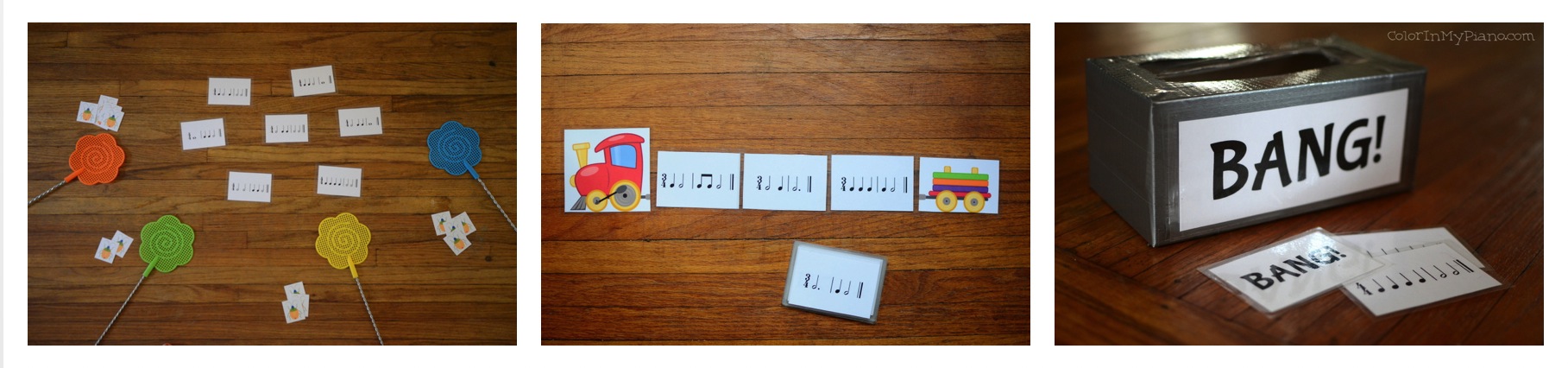
Game Ideas for Rhythm Cards:
PDF Assembly Instructions:
- After purchase, check your email for the receipt containing the download links. Click the link to download the file to your computer’s “Download” folder. Be sure to move the file somewhere else on your computer’s hard drive where you will be able to find the file again in the future.
- Print the Rhythm Cards onto cardstock paper. You can print the cards double-sided if desired. Tip: If you buy each level, print the levels on different colors of cardstock paper so they are color-coded.
- Cut out the cards, and then laminate if desired.
JPG Instructions:
- After purchase, follow the instructions to download and save the file onto your computer’s hard drive.
- Unzip the file. You’ll find a folder containing the 97 jpg files. Copy and paste the whole folder into a place where it can sync with your iPhone/iPad.
- How to set up a folder of folders to sync with your iPhone/iPad:
- On your computer, create a new folder called “Sync to iPhone.” (I suggest putting creating this new folder within your “Pictures” folder on your computer.) Next, put the “Rhythm Card jpgs – Level 1” folder inside the new folder you just created.
- Connect your iPhone/iPad to your computer and open iTunes. Within iTunes, click on your device listed in the left hand column. Now select “Photos” from the menu that appears. Put a check mark in the box where is says, “Sync photos from…” Then click on the dropdown box, and browse to find the new folder you created earlier.
- Click the “Sync” button in the lower right hand corner, and the photos will be added to your iPhone/iPad.
- How to set up a folder of folders to sync with your iPhone/iPad:
- To pull up the photos to use them on your iPhone/iPad, go to the “Photos” app, then select the “Rhythm Card jpgs – Level 1” folder. Click on the first photo to enlarge it. Then, swipe to the right to go to the next card.
Questions? Read the Terms of Use here.
| Level: | Beginner through intermediate |
| Pages: | 13 pages — Jumbo Rhythm Cards Set 1 14 pages — Jumbo Rhythm Cards Set 2 13 pages — Rhythm Cards Level 1 17 pages — Rhythm Cards Level 2 23 pages — Rhythm Cards Level 3 |
| Format: | PDF (email delivery) |
| Terms of Use: | Studio License |
STUDIO LICENSE
Permission is granted for the purchasing teacher to make unlimited printouts and use the digital files for the purpose of teaching their own students. Sharing printouts or the digital files beyond that purpose is not permitted. The purchaser is not permitted to resell the item(s), or alter, modify, or create derivative works.
