

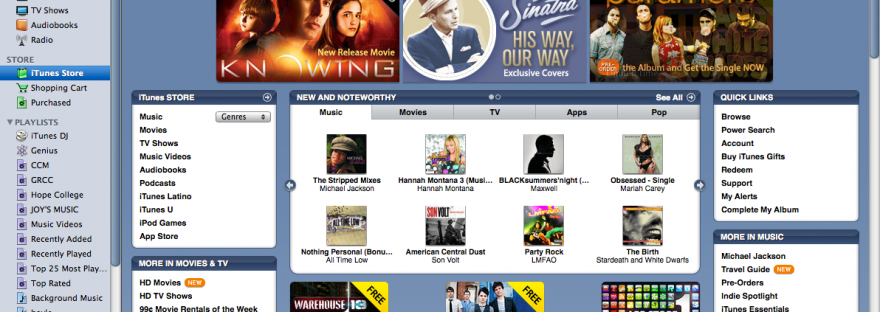
 Did you know that iTunes offers free downloads each week? If you use iTunes on your computer (you can download it here) and if you have an account on iTunes that allows you to download, you can access free mp3’s to add to your music library. They usually showcase a different genre of music each week (sorry, Classical music doesn’t come up very often) and often showcase a new up-and-coming artist.
Here’s how: Visit the iTunes Store (available right inside of iTunes) and scroll down to the box called, “FREE on iTunes.” Click there. You will see (usually) three songs near the top that you can click on, and listen to a 30-second clip of the song. Decide if you like it, and then download it! Happy listening. 🙂
Click here to visit my eHow article on this topic.
